Free pattern color changer
Upload a pattern and give it new colors. Shading and texture stay. Turn one design into several colorways.
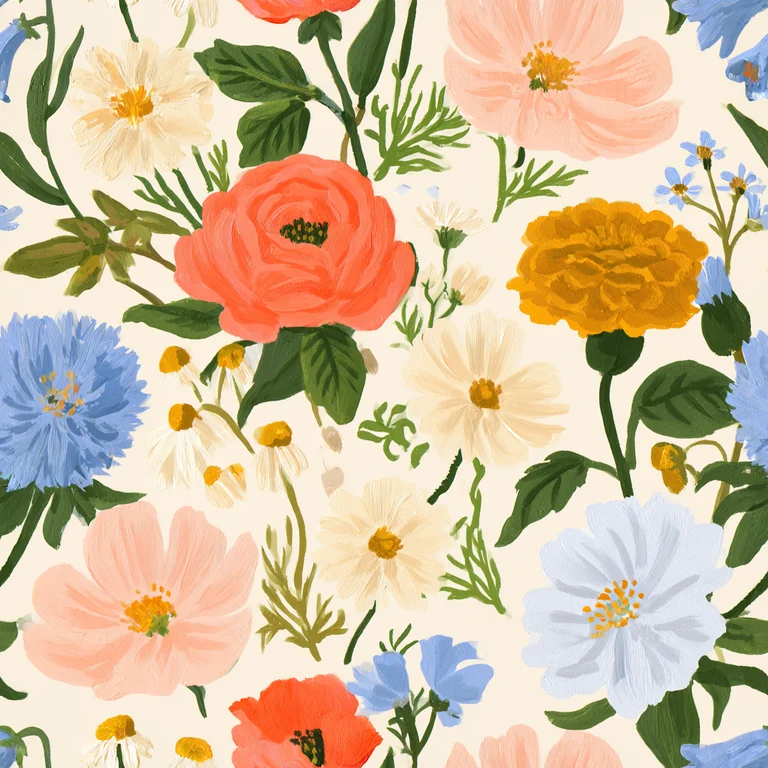
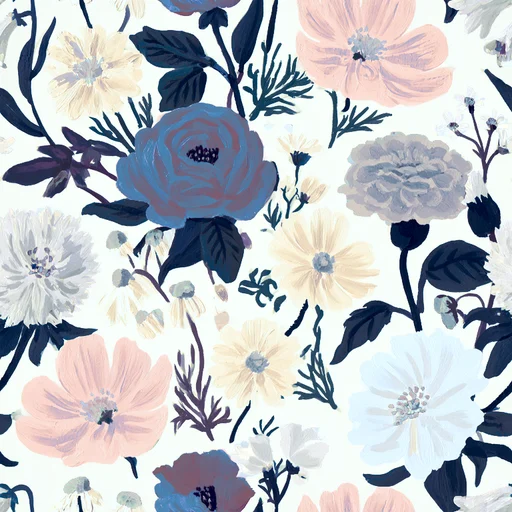
How it works
- 01
Choose your pattern
Upload a tile or pick one from your library or the examples.
- 02
Pick or make a palette
Use a ready palette, or generate one from a base colour (analogous, complementary, triadic…) or from any photo.
- 03
Fine-tune and download
Adjust any single colour, shift the hue, compare before and after, then download or preview it on products.
What people make with it
Colorway collections
Sell the same design in blush, sage and navy: a whole colorway set from one pattern.
Seasonal versions
Turn a spring floral into autumn or Christmas colours without redrawing it.
Brand colours
Match a pattern to a client's or a shop's palette exactly.
Questions
Does recoloring change the pattern itself?+
No. Only the colours change; shapes, layout and the seamless repeat stay exactly the same.
Can I create a palette from a photo?+
Yes. Upload any photo and Motifold pulls its main colours into a ready-to-use palette.
Is it free?+
Yes, recoloring is free and runs in your browser.